For use with Adobe® InDesign® 2026 or newer on Mac or Windows.
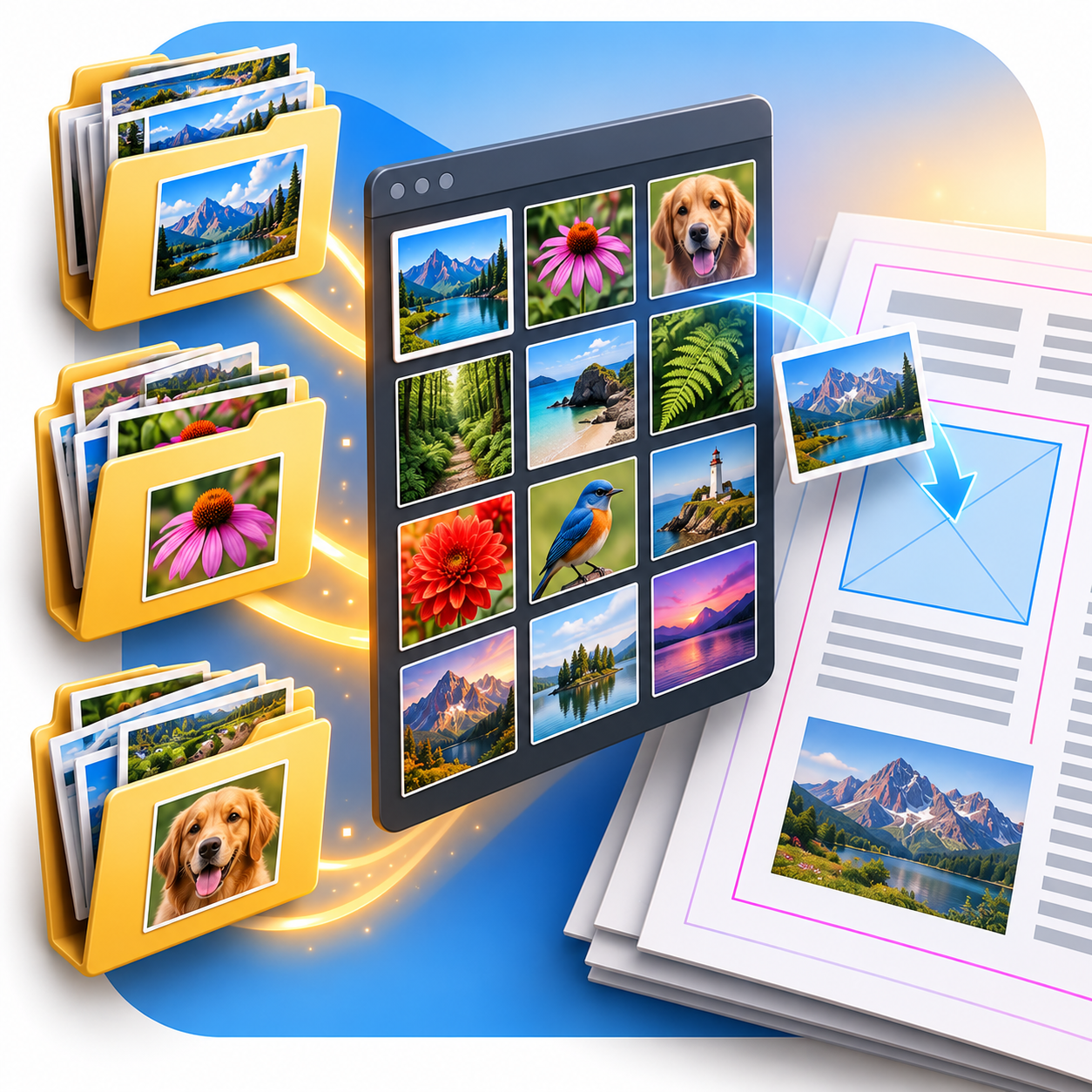
This free tool gives you a floating library palette filled with images automatically retrieved from one or more local folders. It uses a native InDesign library panel.

Point the tool to a folder and it offers the images in a floating palette, ready to drag into your document.
This is useful for structured workflows, such as designing newspaper advertisements. If you receive an empty ad template and a collection of images in the same folder, open the template and choose Reload Image Library From Document Folder…. The library fills with the images available beside the document.
Installing ImageLibraryLoader PL
ImageLibraryLoader PL needs APID ToolAssistant PL, a free helper plug-in.
- Download, install and start PluginInstaller. Close InDesign. Clicking the following two links will trigger PluginInstaller.
- Click this link to fetch APID ToolAssistant PL: APID ToolAssistant PL . Then click the Install… button or click the … button to see all install options.
- Click this link to fetch ImageLibraryLoader PL: ImageLibraryLoader PL . Then click the Install… button or click the … button to see all install options.
- Restart InDesign and open or create a document.
PluginInstaller installs the files for you. If you install ImageLibraryLoader PL before APID ToolAssistant PL, PluginInstaller will warn you that APID ToolAssistant PL must also be installed before it will work.
Alternatively, you can install this software directly from PluginInstaller. Select Available Software, then scroll through the list and/or use the Search box to locate APID ToolAssistant PL or ImageLibraryLoader PL.
Earlier InDesign versions
Installing SPLNs through PluginInstaller requires InDesign 2026 or newer. For earlier versions, install the SPLN files manually; PluginInstaller is still required for activation. See the earlier-version ImageLibraryLoader page for manual installation information.
Using ImageLibraryLoader
Open or create a document first. The API menu is not fully populated until a document is open.
The image-library commands in the API menu are:
- Reload Image Library From Document Folder…
- Add To Image Library From Document Folder…
- Reload Image Library…
- Add To Image Library…
- Refresh Image Library
Use an Add To Image Library command to add images to the existing library. Use a Reload Image Library command to replace the images in the library.
The commands with From Document Folder in their name use the current document’s folder. The other Add and Reload commands let you choose a folder.
Use Refresh Image Library to refresh all images in the palette.
For more detail, see the ImageLibraryLoader manual.
Supporting ImageLibraryLoader
ImageLibraryLoader PL is free. Donations help cover ongoing development, maintenance and support.
To donate, find ImageLibraryLoader PL in PluginInstaller’s Available Software list and use its donation option. Register an account if you do not already have one. Keep your unlock code written down in a safe place: if you lose it, it cannot be retrieved.