What does Sudoku Generator do?
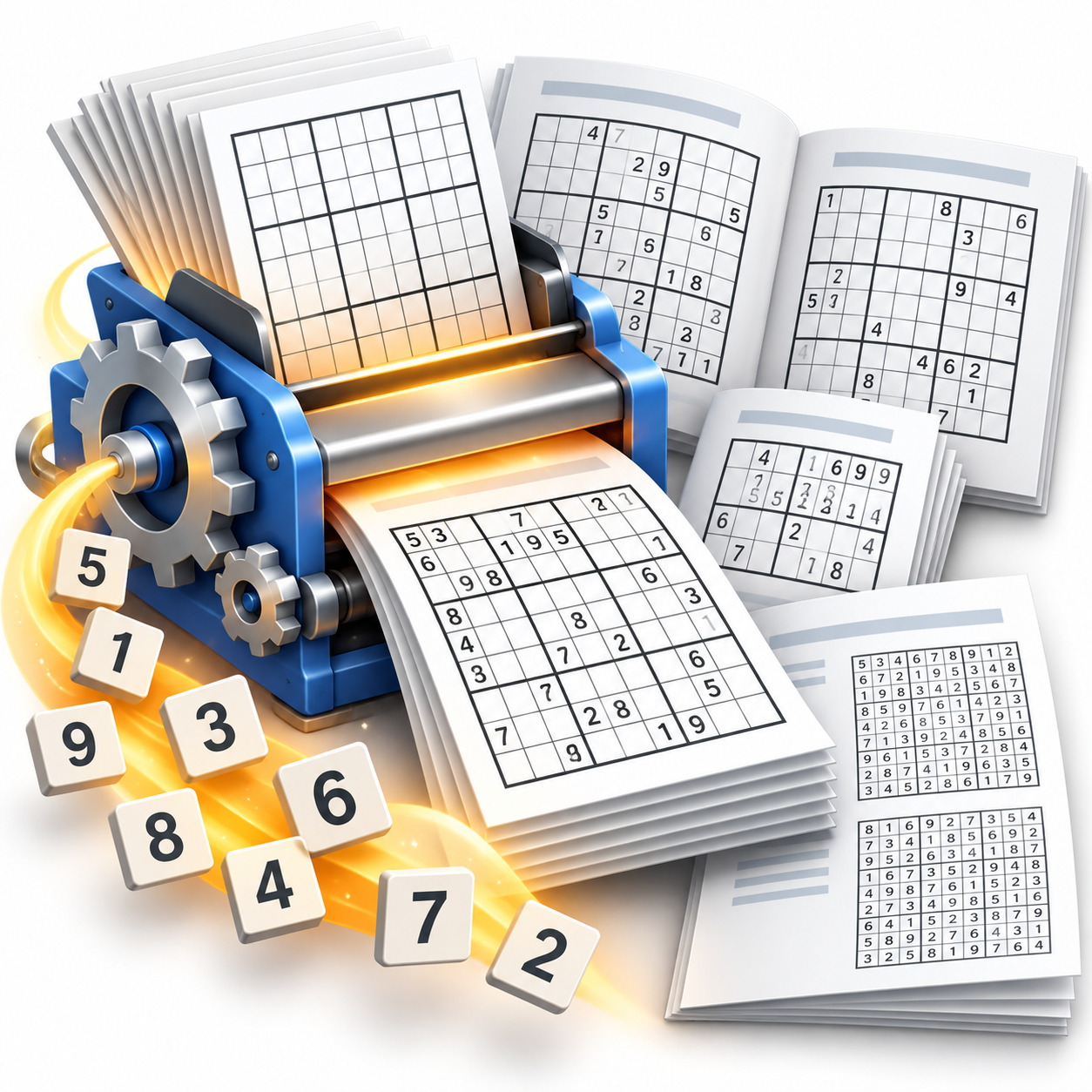
Simple answer: Sudoku Generator creates original, print-ready Sudoku puzzles directly inside your InDesign documents.
Instead of searching for puzzles online, copying from books, or manually typesetting grids, this plugin generates fresh, unique puzzles instantly.
Why publishers need this
The old way: Adding Sudoku puzzles to publications typically means:
- Searching online for free puzzles (often low quality or copyright issues)
- Scanning puzzles from books (copyright problems)
- Manually typing numbers into grids (time-consuming and error-prone)
- Struggling with consistent formatting across multiple puzzles
- Worrying about duplicate puzzles in different issues
The new way: Click one button and get unlimited, original puzzles formatted exactly how you want them.
Perfect for these publications
- Newspapers – Daily or weekly puzzle sections
- Magazines – Regular puzzle pages or special puzzle issues
- Newsletters – Community publications with puzzle content
- Puzzle books – Dedicated Sudoku collections
- Activity booklets – Educational or entertainment publications
- Corporate publications – Employee newsletters with brain teasers
What you get
Unlimited original puzzles
- Brand new puzzles every time you generate
- Royalty-free – You own the copyright to generated puzzles
- No duplicates – Each puzzle is mathematically unique
- Professional quality – Properly constructed with single solutions
Two puzzle sizes
- Classic 9×9 – Traditional Sudoku puzzles
- Beginner 6×6 – Easier puzzles for younger audiences or beginners
Complete design control
- Custom grid styling – Fonts, colors, line weights, spacing
- Flexible layout – Position puzzles anywhere on your page
- Branding integration – Add logos, headers, instructions as needed
- Consistent formatting – Templates ensure uniform appearance
Template-based workflow
- Sample templates available separately – Ready-to-use layouts for common scenarios
- Placeholder system – Mark where puzzles should appear
- Automatic replacement – One click replaces all placeholders
- Solution generation – Automatically creates answer pages
How it works
Simple 2-step process
- Open a template – Use provided examples or create your own layout
- Generate puzzles – Click “API → Generate Sudoku Puzzles” and done!
Download the sample templates below and customize a copy to build your own booklet.
Real-world scenarios
Weekly newspaper: Place one placeholder in your puzzle section template. Every week, generate a fresh puzzle for that spot. No more hunting for content or worrying about repeats.
Puzzle magazine: Create a 100-page booklet template with placeholders. Generate all puzzles at once, then print immediately. Each issue will have completely different puzzles.
Corporate newsletter: Add a small puzzle to boost engagement. Generate monthly without any ongoing effort or content sourcing.
System requirements
- InDesign 2026 or newer
- Windows or Mac
- APID ToolAssistant (free supporting plugin)
- PluginInstaller (free tool for installation and licensing)
Pricing
- 20-day free trial – Generate unlimited puzzles, full functionality
- $149 per computer per year (excluding tax)
- Annual renewal required
- Purchase through PluginInstaller
Installing Sudoku Generator PL
Sudoku Generator PL needs APID ToolAssistant PL, a free helper plug-in.
- Download, install and start PluginInstaller. Close InDesign. Clicking the following two links will trigger PluginInstaller.
- Click this link to fetch APID ToolAssistant PL: APID ToolAssistant PL. Then click the Install… button or click the … button to see all install options.
- Click this link to fetch Sudoku Generator PL: Sudoku Generator PL. Then click the Try… or Install… button, or click the … button to see all install options.
- Restart InDesign and open or create a document.
PluginInstaller installs the files for you, including the native Sudoku plug-in and its SPLN component. If you install Sudoku Generator PL before APID ToolAssistant PL, PluginInstaller will warn you that APID ToolAssistant PL must also be installed before it will work.
Alternatively, you can install this software directly from PluginInstaller. Select Available Software, then scroll through the list and/or use the Search box to locate APID ToolAssistant PL or Sudoku Generator PL.
Earlier InDesign versions
Installation through PluginInstaller requires InDesign 2026 or newer. For earlier versions, install the plug-in files manually, including both the native plug-in and the SPLN component; PluginInstaller is still required for activation. See the earlier-version Sudoku Generator page for manual installation information.
Download sample templates
Download the Sudoku Generator sample templates (ZIP, 634 KB)
The ZIP contains five sample booklet files in InDesign’s IDML format, plus a short getting-started guide. These samples are a separate download; they are not installed by PluginInstaller.
We strongly recommend starting from these sample templates when building your own Sudoku booklets. Extract the ZIP, open a sample IDML file in InDesign, and save a copy as an InDesign document before customizing it. Use the samples as a starting point for your layouts and keep the original files for reference.
Test installation
- Open one of the example Sudoku booklets.
- Go to API → Generate Sudoku Puzzles.
- Click OK to generate puzzles.
- Verify puzzles appear in placeholders.
Purchase a license after the trial
Find Sudoku Generator PL in PluginInstaller’s Available Software list. Choose Buy from the … menu and follow the checkout. Register an account if you do not already have one. Keep your unlock code written down in a safe place: if you lose it, it cannot be retrieved.
Getting started tips
Start with the sample templates: We strongly recommend using the downloadable sample booklets as the starting point for your own designs. Open a sample and save a copy before making changes.
Understand placeholders: The plugin looks for special placeholder frames and replaces them with generated puzzles.
Test layouts: Generate puzzles multiple times to see how they look with different number patterns.
Plan solutions: Decide if you want solutions on the same page, separate pages, or at the end of your document.
There is an online manual here: https://www.rorohiko.com/wordpress/manuals/sudokugenerator-manual/
Design flexibility
Grid customization:
- Choose fonts for numbers
- Set line weights and colors
- Adjust cell spacing and sizing
- Control overall puzzle dimensions
Layout integration:
- Puzzles fit your existing design style
- Add instructions, titles, or branding around puzzles
- Position multiple puzzles per page
- Create themed puzzle sections
Who should use Sudoku Generator
- Publishers – Newspapers, magazines, and newsletters needing regular puzzle content
- Content creators – Puzzle book authors and activity book designers
- Marketing teams – Adding engaging content to corporate publications
- Educators – Creating educational materials with brain training exercises
- Print shops – Offering puzzle book services to clients
- Anyone who regularly needs original Sudoku content
Important notes
Copyright ownership: You own all puzzles generated with this tool – no royalty payments or attribution required.
Quality assurance: Each puzzle is mathematically verified to have exactly one solution.
Template compatibility: Use templates designed for your InDesign version (provided examples match your software).
Ready to generate puzzles? Install Sudoku Generator PL by way of PluginInstaller and start your free 20-day trial today!